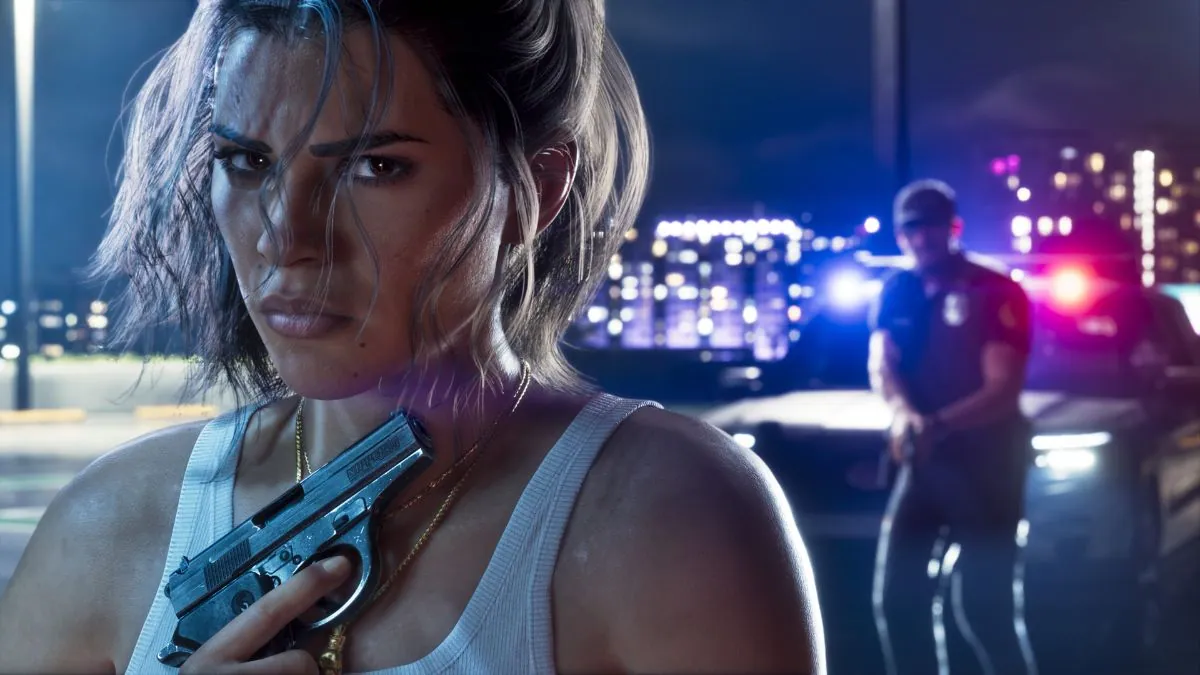
GTA 6 introduce many different activities and features to enjoy the game. But it also bring another issue, how you can perform all of these activities if you don’t know which button to press for each action.
You don’t want to pause the game and open the settings menu every time you forget a button. That’s why we’ve put together this GTA 6 PS5 controls guide to help you understand the PS5 controller layout.
GTA 6 Controls for PS5
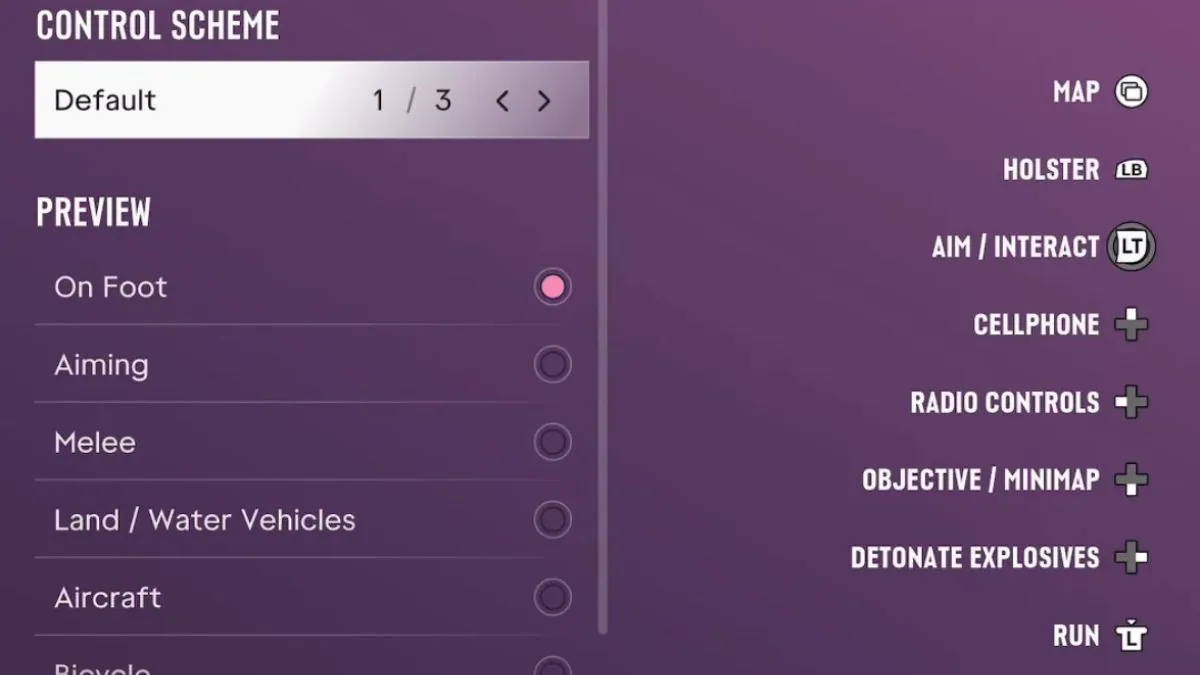
The following table shows the default GTA 6 controls for PS5. These controls cover the main actions you’ll use while playing including movement, combat, driving, and interacting with the game.
One important change players should know about is the sprint button. In the default controller layout, sprinting is assigned to L3 (press the left stick) instead of the Cross (X) button, which was used in previous GTA games.
However, if you prefer the classic GTA control layout, you can switch to the Classic option in the controller settings. There is also a Left-Handed control option for players who prefer a different button layout.
We’ll cover the available PS5 controls below so you can quickly find the buttons you need.
On Foot
Action
Input
Pause
Select
Cover
R1
Shoot
R2
Interact
Triangle
Melee
Square
Crouch
Circle
Rest
Hold Circle
Jump / Climb
Cross
Look Behind
Hold R3
Look
R3
Map
Touchpad
Holster
L1
Loadout
Hold L1
Aim / Interact
Hold L2
Cellphone
D-pad Up
Waink App
Hold D-pad Up
Radio Controls
D-pad Left
Radio Menu
Hold D-pad Left
Objective / Minimap
D-pad Down
Quick Navigation
Hold D-pad Down
Detonate Explosives
D-pad Right
Partner Menu
Hold D-pad Right
Run
L3
Move
L
GTA 6 Aiming Controls
Action
Input
Pause
Select
Cover
R1
Quick Throw
Hold R1
Shoot
R2
Quick Swap Weapon
Triangle
Melee
Square
Crouch
Circl
Zoom / Throw Path
R3
Look
R
Map
Touchpad
Holster
L1
Loadout
Hold L1
Aim / Interact
Hold L2
Zoom Scope In
Hold D-pad Up
Switch Shoulder
Hold D-pad Left
Zoom Scope Out
Hold D-pad Down
Detonate Explosives
Hold D-pad Right
Run
L3
Move
L
GTA 6 Melee Controls
Action
Input
Pause
Select
Grapple
R2
Punch / Kick
Square
Block / Dodge
Cross
Look
R
Map
Touchpad
Lock-On / Strafe
Hold L2
Move
L
GTA 6 Land / Water Vehicles Controls
Action
Input
Pause
Select
Shoot
R1
Accelerate
R2
Exit Vehicle
Triangle
Melee
Square
Headlights
Circle
Duck
Hold Circle
Handbrake
Cross
Look Behind
Hold R3
Look
R
Map
Touchpad
Holster
L1
Loadout
Hold L1
Brake / Reverse
L2
Cellphone
D-pad Up
Interact
Hold D-pad Up
Indicate Left
D-pad Left
Vehicle Menu
Hold D-pad Left
Objective / Minimap
D-pad Down
Quick Navigation
Hold D-pad Down
Indicate Right
D-pad Right
Partner Menu
Hold D-pad Right
Horn / Nitrous
L3
Turn
L
GTA 6 Aircraft Controls
Pause
Select
Shoot
R1
Throttle Up
R2
Exit Vehicle
Triangle
Yaw Left
Square
Yaw Right
Circle
Look Behind
Hold R3
Look
R
Map
Touchpad
Holster
L1
Throttle Down
L2
Cellphone
D-pad Up
Radio Controls
D-pad Left
Vehicle Menu
Hold D-pad Left
Objective / Minimap
D-pad Down
Quick Navigation
Hold D-pad Down
Partner Menu
Hold D-pad Right
Undercarriage
L3
Pitch / Roll
L
GTA 6 Bicycle Controls
Action
Input
Pause
Select
Shoot
R1
Pedal / Move Forward
R2
Dismount
Triangle
Melee
Square
Bunnyhop
Circle
Sprint
Cross
Look Behind
Hold R3
Look
R
Map
Touchpad
Holster
L1
Loadout
Hold L1
Brake / Reverse
L2
Cellphone
D-pad Up
Interact
Hold D-pad Up
Objective / Minimap
D-pad Down
Quick Navigation
Hold D-pad Down
Partner Menu
Hold D-pad Right
Bell
L3
Turn / Lean
L
GTA 6 Swimming Controls
Action
Input
Pause
Select
Dive
R1
Shoot
R2
Melee
Square
Surface
Cross
Swim Backwards
Hold R3
Look
R
Map
Touchpad
Holster
L1
Loadout
Hold L1
Aim / Strafe
Hold L2
Radio Controls
D-pad Left
Radio Menu
Hold D-pad Left
Objective / Minimap
D-pad Down
Quick Navigation
Hold D-pad Down
Partner Menu
Hold D-pad Right
Swim Faster
L3
Move
L
GTA 6 Parachute Controls
Action
Input
Pause
Select
Shoot
R1
Brake Right
R2
Detach Parachute
Triangle
Open Parachute
Cross
Look Behind
Hold R3
Look
R
Map
Touchpad
Holster
L1
Ladout
Hold L1
Brake Left
L2
Cellphone
D-pad Up
Waink App
Hold D-pad Up
Radio Controls
D-pad Left
Radio Menu
Hold D-pad Left
Objective / Minimap
D-pad Down
Quick Navigation
Hold D-pad Down
Partner Menu
Hold D-pad Right
Turn
L
These are all the GTA 6 controls to play on your PS5. Try to memorize these keys and enjoy your game.
Alex Carter is a writer at GTA Scroll, covering the latest news, updates, and features from the world of Grand Theft Auto. With a focus on GTA 6, he is dedicated to delivering accurate, clear, and engaging content for the GTA community.