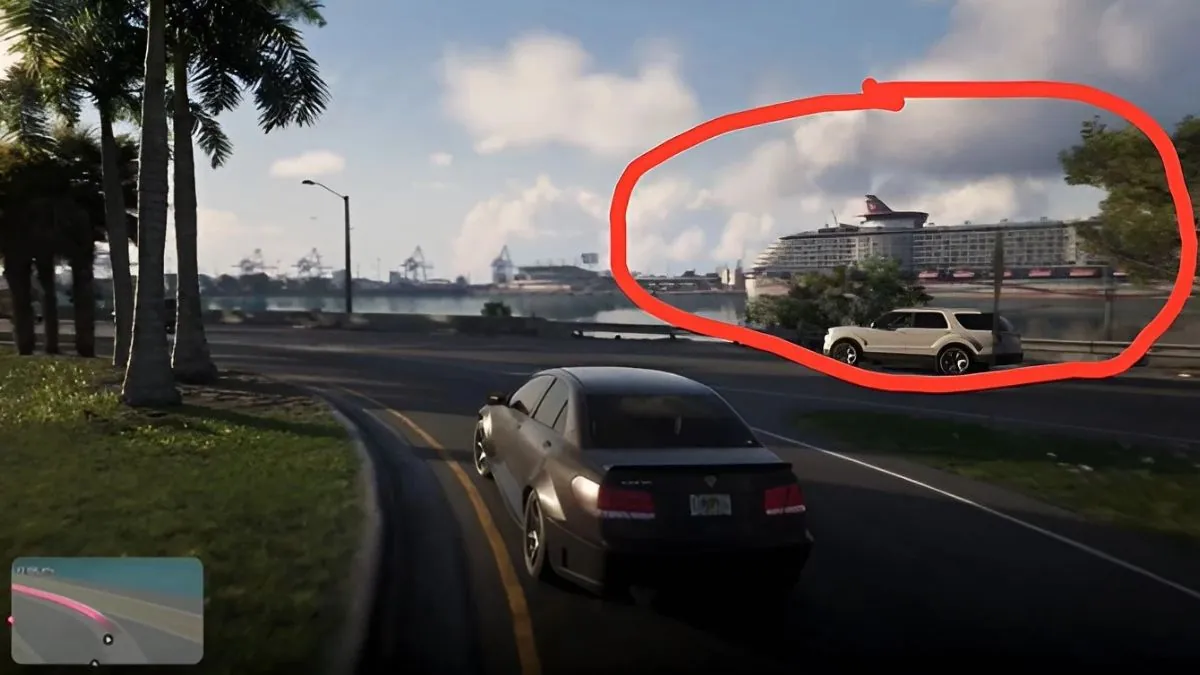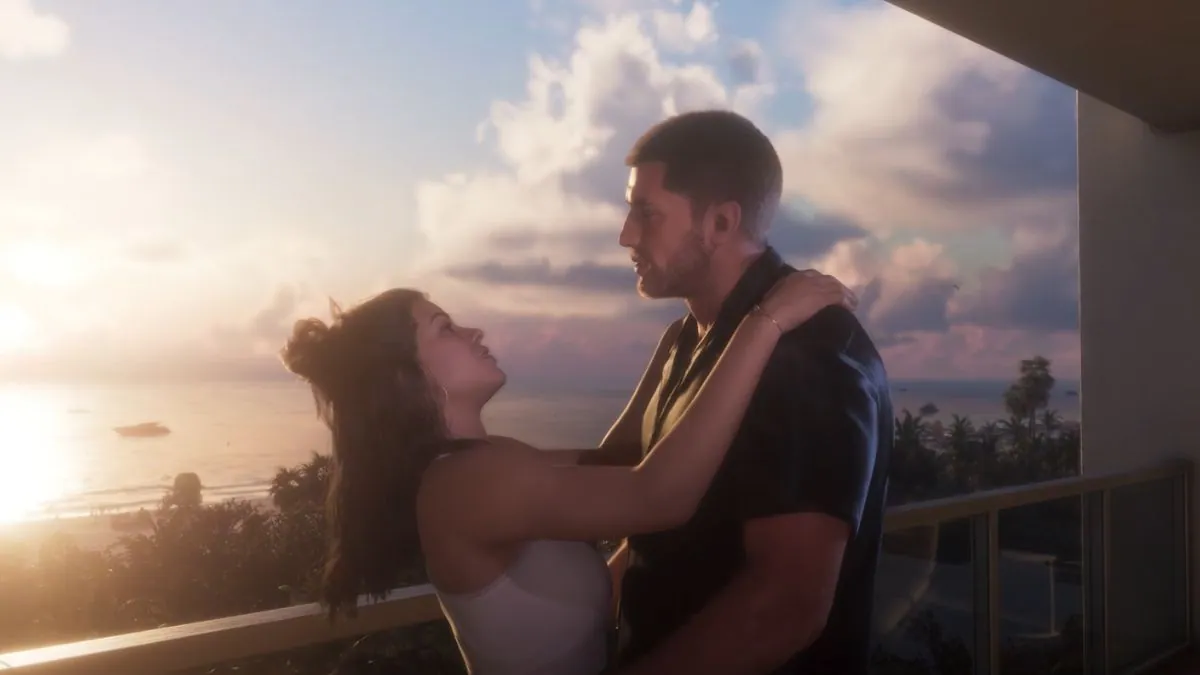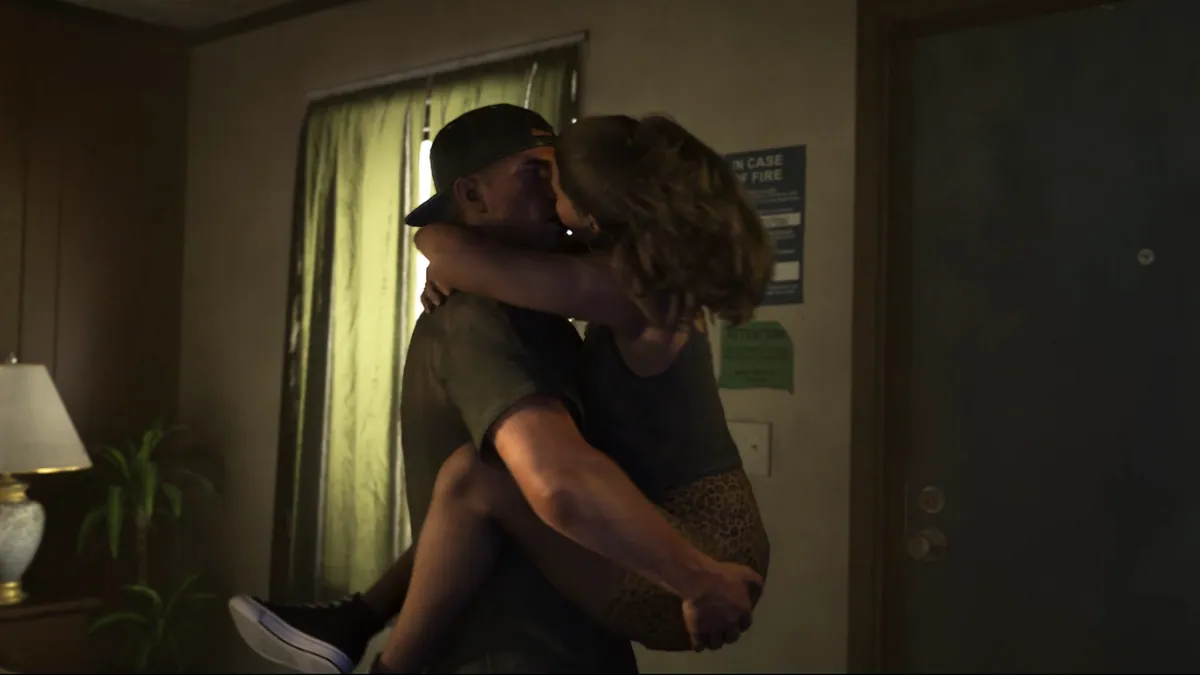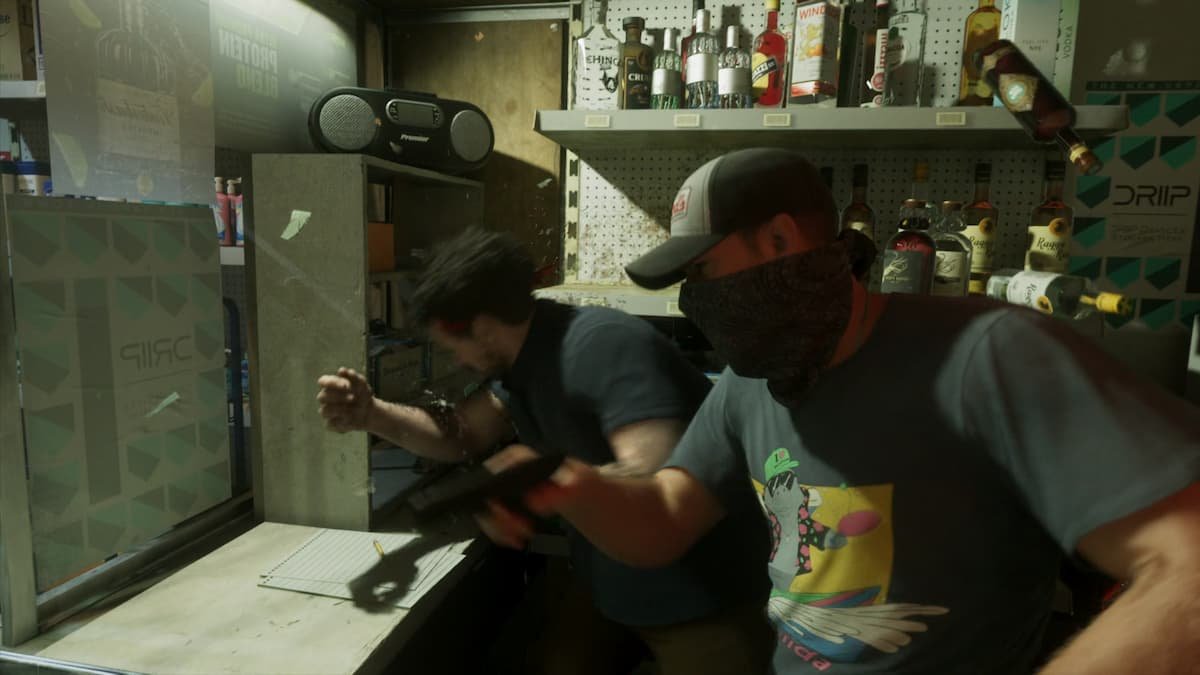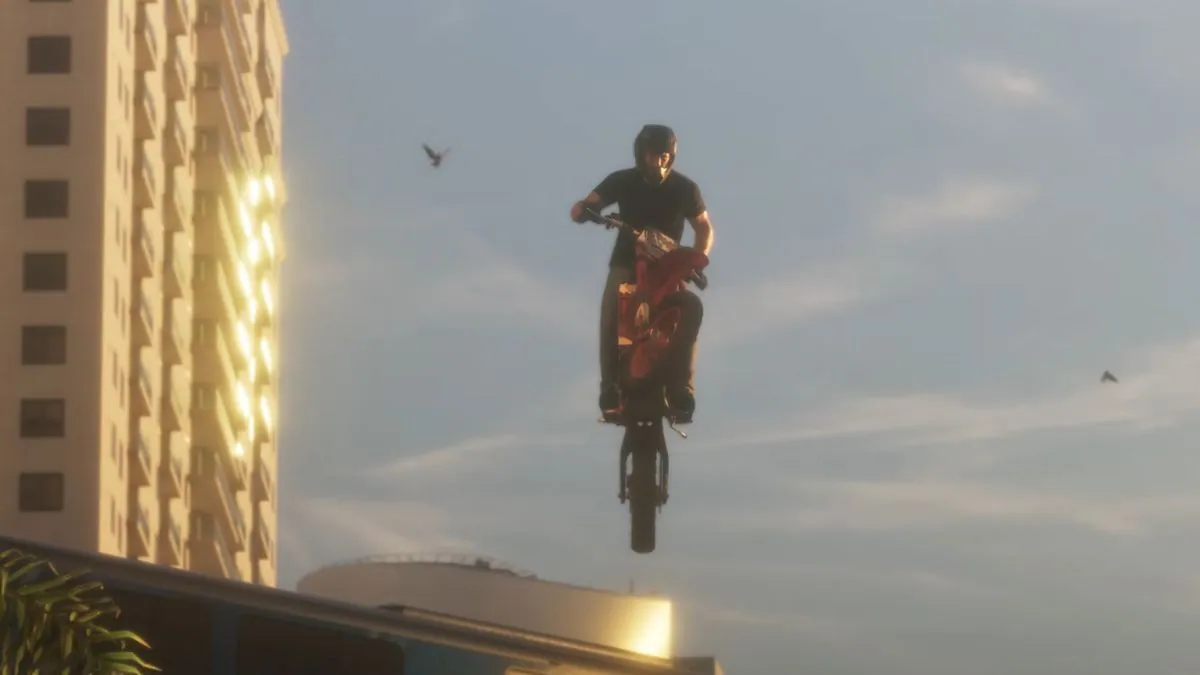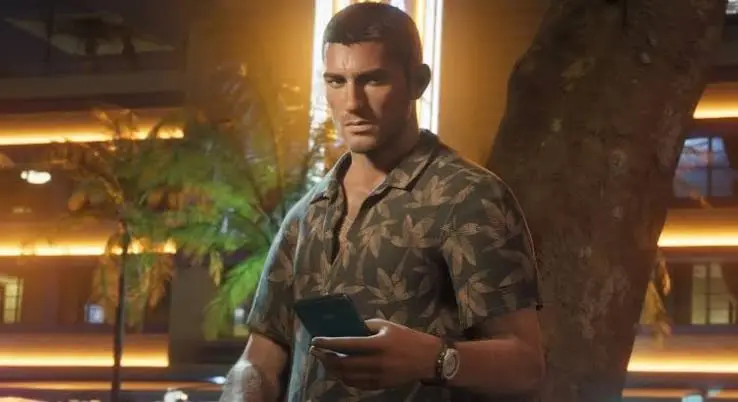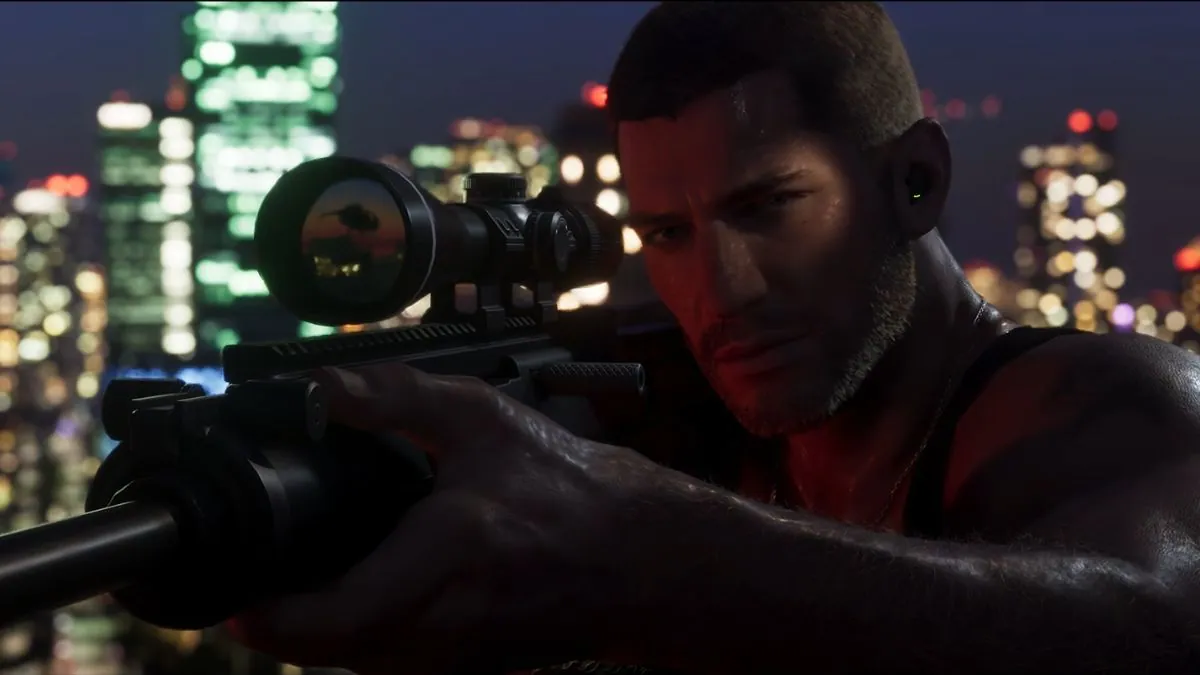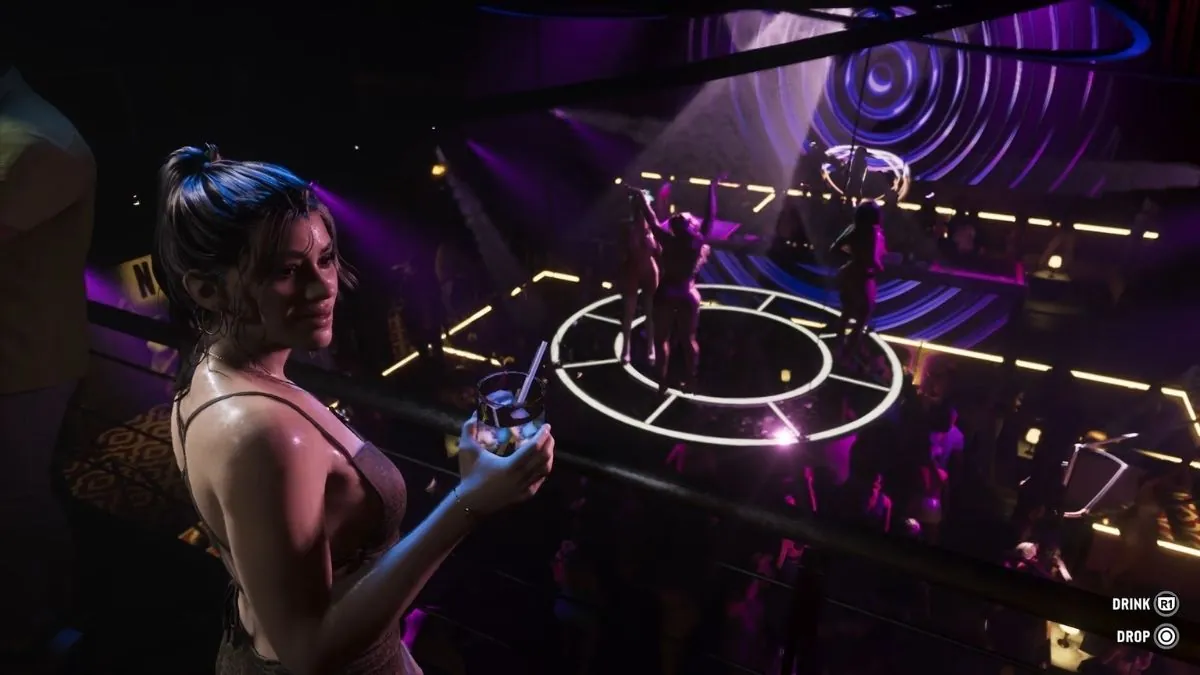
GTA 6 is bringing several new features to the Grand Theft Auto series, and players will need to learn a few new controls to make the most of them. Whether you’re driving through Vice City, fighting enemies, robbing stores, or spending time with Jason and Lucia, knowing the GTA 6 controls will make exploring Leonida much easier.
Rockstar Games has already shown several controller buttons in its gameplay footage. Players can sprint by pressing the left stick, pick up weapons, interact with animals, hold hands with their partner, and even break into locked cars in different ways.
However, Rockstar has not revealed the complete controller layout yet. Most of the available PlayStation 5 controls come from the official Extended Look gameplay video and preview reports. The Xbox controls listed below are estimated based on the matching button positions, as Rockstar has not confirmed a separate Xbox layout.
Here is everything we know so far about the GTA 6 PS5 and Xbox controls.
GTA 6 PS5 and Xbox Controls at a Glance
The following table covers the main button prompts revealed in gameplay footage and reported by people who played preview versions of GTA 6.
| Action | PS5 | Xbox |
|---|---|---|
| Move | Left Stick | Left Stick |
| Look around | Right Stick | Right Stick |
| Sprint | Press L3 | Press LS |
| Pick up or swap a weapon | L1 | LB |
| Pick up an item or bag | Triangle | Y |
| Knock on a door | Triangle | Y |
| Drink, eat, or smoke | R1 | RB |
| Put down or drop an item | Circle | B |
| Focus on an animal or character | L2 | LT |
| Pet an animal | Triangle | Y |
| Scold an animal | Circle | B |
| Study an animal | R1 | RB |
| Hurry your partner | Circle | B |
| Hold hands with your partner | Hold R2 | Hold RT |
| Use health pills | Square | X |
| Use an adrenaline shot | Triangle | Y |
| Break into a locked car quietly | Triangle, then Right Stick | Y, then Right Stick |
| Smash a car window | Circle | B |
| Handbrake | X | A |
Keep in mind: These are not all officially confirmed controls. The PS5 buttons are based on gameplay prompts and preview reports, while the Xbox buttons are estimated equivalents. Rockstar may change some controls before release.
GTA 6 Movement Controls
Moving around Leonida will feel familiar to anyone who has played previous GTA games. Players can use the left stick to move Jason or Lucia and the right stick to look around.
However, Rockstar appears to have changed how sprinting works in GTA 6.
| Action | PS5 | Xbox |
|---|---|---|
| Move | Left Stick | Left Stick |
| Look around | Right Stick | Right Stick |
| Sprint | Press L3 | Press LS |
In previous GTA games, players often had to repeatedly press a button to sprint. In GTA 6, preview reports say players can simply press the left stick to run faster.
This should make running more comfortable, especially when escaping from police officers or chasing someone during a mission.
GTA 6 Interaction Controls
GTA 6 features more ways to interact with objects and people around the world. Players can pick up items, knock on doors, drink, eat, and perform other small actions.
The controls change depending on what Jason or Lucia is doing.
| Action | PS5 | Xbox |
|---|---|---|
| Knock on a door | Triangle | Y |
| Pick up a mission item | Triangle | Y |
| Pick up a bag | Triangle | Y |
| Pick up or swap a weapon | L1 | LB |
| Drink | R1 | RB |
| Eat | R1 | RB |
| Smoke | R1 | RB |
| Put down an item | Circle | B |
| Drop an item | Circle | B |
| Throw cash bills | L2 | LT |
For example, if Jason or Lucia is standing near a door, the game can show a prompt to knock using Triangle. If a drink is available, players can use R1 to take a sip or Circle to put it down.
These are contextual actions, which means the available buttons depend on the situation. Players do not need to remember every interaction in advance because the game can show the correct prompt on the screen.
GTA 6 Animal Interaction Controls
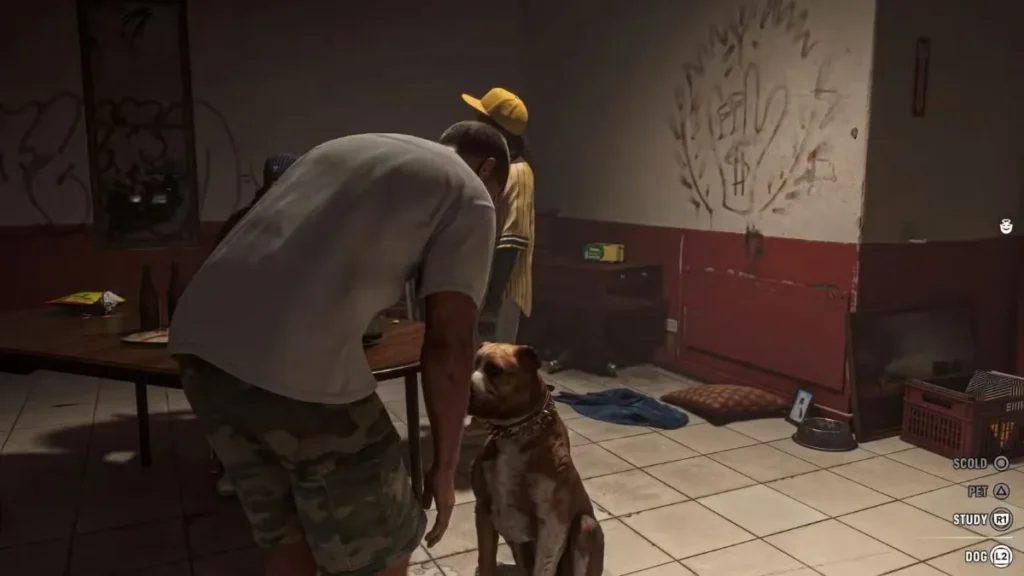
Animals are an important part of the world in GTA 6, and Rockstar has shown that players can interact with them in different ways.
The Extended Look gameplay video showed Jason interacting with a dog. Players could choose between several actions instead of simply walking past it.
| Action | PS5 | Xbox |
|---|---|---|
| Focus on an animal | L2 | LT |
| Pet an animal | Triangle | Y |
| Scold an animal | Circle | B |
| Study an animal | R1 | RB |
To interact with an animal, players first need to focus on it using L2 on PS5 or LT on Xbox. The game then shows the available actions.
For example, players can pet the dog, scold it, or study it. These small details help make the world feel more alive and give players more reasons to explore.
GTA 6 Jason and Lucia Relationship Controls
Jason and Lucia are the two main characters in GTA 6, and their relationship plays an important role in the story. Rockstar is also giving players different ways to interact with their partner while exploring the open world.
The gameplay footage has shown a few relationship-related controls.
| Action | PS5 | Xbox |
|---|---|---|
| Focus on your partner | L2 | LT |
| Hurry your partner | Circle | B |
| Hold hands | Hold R2 | Hold RT |
Players can focus on Jason or Lucia using L2 or LT to see the available interaction options. They can also hold hands by holding the right trigger while walking together.
These small interactions are part of Rockstar’s effort to make the relationship between the two characters feel more natural. Players can spend time together outside missions and build their connection as they explore Leonida.
GTA 6 Vehicle Controls
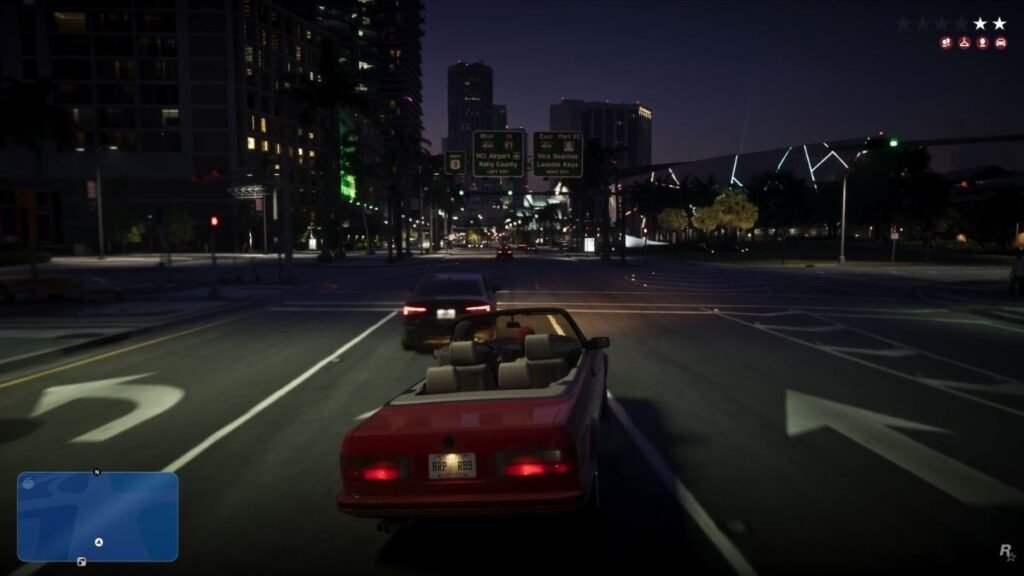
Driving is a major part of every Grand Theft Auto game, and GTA 6 is adding some new ways to interact with vehicles.
One interesting feature is the ability to break into locked cars in different ways. Players can either try to unlock the vehicle quietly or smash its window to get inside.
| Action | PS5 | Xbox |
|---|---|---|
| Handbrake | X | A |
| Quietly break into a locked car | Triangle, then Right Stick | Y, then Right Stick |
| Smash a car window | Circle | B |
| Shoot while driving | L1 and R1 | LB and RB |
| Refuel at a gas station | Hold R2 | Hold RT |
The car lockpicking system gives players more than one option when stealing a vehicle. Using a slim jim is the quieter choice, while smashing a window is quicker but can attract attention.
Preview reports have also mentioned that the handbrake uses X on PS5, while players can shoot from a vehicle using the shoulder buttons. Refuelling reportedly requires holding R2 for several seconds.
Some of these controls come from preview reports rather than official Rockstar button charts, so the final layout could be different.
GTA 6 Combat Controls
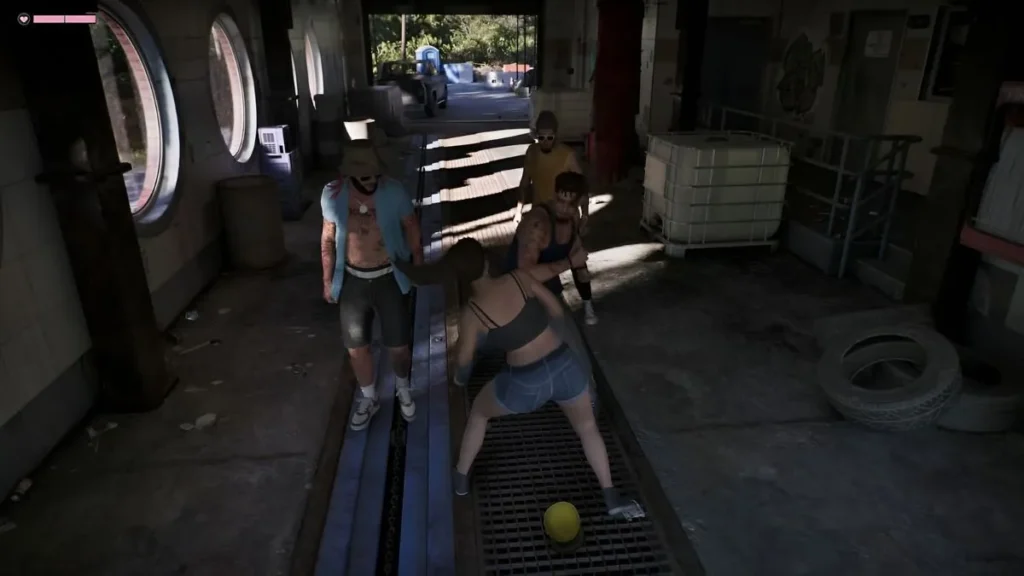
Combat in GTA 6 includes several familiar actions, along with new ways to use items and interact with enemies.
The gameplay footage has shown players picking up weapons, using health items, and responding to prompts during close-range fights.
| Action | PS5 | Xbox |
|---|---|---|
| Pick up or swap a weapon | L1 | LB |
| Use health pills | Square | X |
| Use an adrenaline shot | Triangle | Y |
| Break free from a grapple | Circle | B |
| Perform a takedown | Circle | B |
The weapon wheel also appears to have a different layout from previous games. Rockstar has shown separate sections for weapons and items, giving players a way to manage their equipment.
During fights, the game can show different button prompts depending on what is happening. For example, players may need to press Circle to escape from a grapple.
Rockstar has not yet confirmed the complete controls for aiming, shooting, reloading, switching weapons, or opening the weapon wheel.
GTA 6 Gym and Activity Controls
Players will have several activities to enjoy outside the main story missions. These include going to the gym and taking part in sports around Leonida.
The gameplay footage has revealed a few controls for these activities.
| Action | PS5 | Xbox |
|---|---|---|
| Shoot a basketball | R2 | RT |
| Perform a bench press | Alternate L2 and R2 | Alternate LT and RT |
For the bench press activity, players need to alternate between the left and right triggers to complete each repetition.
Basketball uses R2 to shoot the ball. Other activities may have their own controls, but Rockstar has not shown every activity in detail yet.
Which GTA 6 Controls Are Still Unknown?
Although Rockstar has shown several controls, the full PS5 and Xbox button layout is still unknown. Some important actions have not appeared clearly in official gameplay footage or reliable preview reports.
Here are some of the controls players are still waiting to see:
- Aiming and shooting on foot
- Reloading weapons
- Switching between weapons
- Opening the weapon wheel
- Opening the in-game phone
- Opening the map
- Switching between Jason and Lucia
- Crouching
- Jumping and climbing
- Changing the aiming shoulder
- Changing radio stations
- Using the vehicle horn
- Changing the camera view
- Opening the interaction menu
Some websites may list these buttons based on GTA 5’s control layout. However, that does not mean Rockstar will use the same controls in GTA 6.
The studio may keep some familiar button combinations while changing others to support the game’s new features.
Will GTA 6 Support Custom Controller Settings?
Rockstar has not confirmed all the controller customization options in GTA 6 yet.
Players will have to wait to find out whether they can remap individual buttons, change the sprint control, or choose between different controller layouts.
The game will also support the PS5 DualSense controller, which offers features such as haptic feedback and adaptive triggers. These features can make driving, shooting, and other actions feel more realistic, although the full list of supported effects has not been revealed.
Conclusion
GTA 6 is adding more ways for players to interact with the world, and its controller system reflects that.
From breaking into locked cars to playing with animals and holding hands with Jason or Lucia, the game offers more small actions than previous entries in the series.
However, the complete GTA 6 controller layout for PS5 and Xbox has not been officially revealed. The controls in this guide are based on the gameplay footage and preview information available so far. The final button layout may change before launch.
This guide will need an update once Rockstar shares the official PS5 and Xbox controls, including the missing combat, phone, map, and character-switching buttons.